

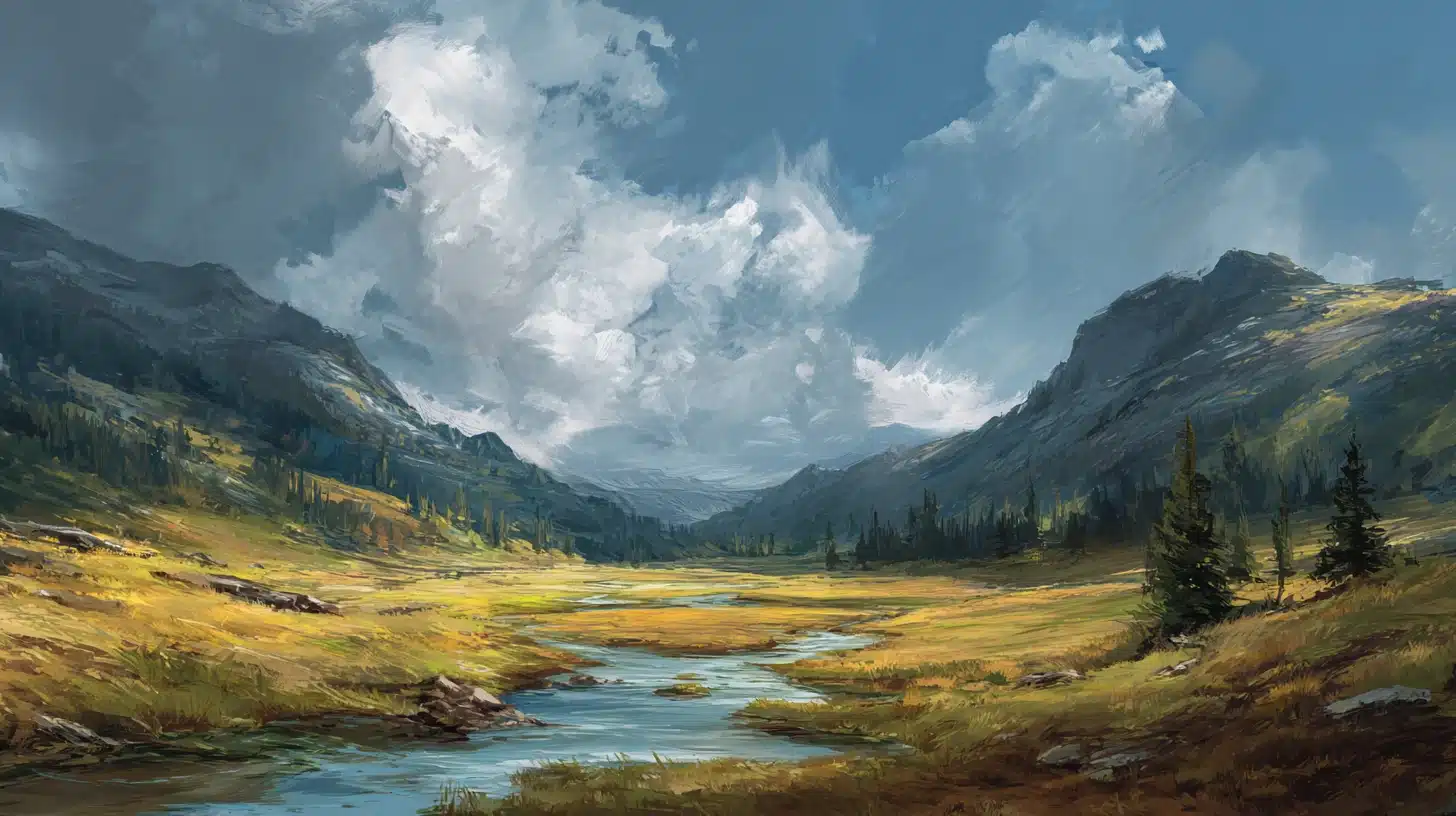
Not all digital art looks the same. Some pieces feel like oil paintings. Others look like comic books, glowing neon dreams, or retro video games. The range is huge.
That variety comes from digital art styles, and there are more of them than most people expect. Each style has its own look, feel, and purpose.
Some are used in gaming, while others are used in animation, branding, or social media. A few of these styles are very beginner-friendly. So even if someone is starting, there are options worth exploring.
Styles can also overlap. Tools matter too. The same Software can produce wildly different results depending on the technique used.
What Are Digital Art Styles?
A digital art style is the visual language of an artwork. It includes line quality, shapes, color choices, texture, lighting, and finish. Together, these elements create a recognizable look.
Style can be intentional or tool-driven. An artist may choose a flat, minimal look on purpose. At other times, the Software, brushes, or filters shape the final result with little planning.
Style also connects directly to purpose. Concept art often uses loose, expressive strokes. Branding tends to favor clean, flat visuals. Comics rely on strong outlines and bold colors.
Game art prioritizes clarity and detail that reads well on screen. Understanding style helps artists match their work to the right context, and it helps viewers recognize what they are looking at right away.
How To Choose The Right Digital Art Style
Choose a digital art style that aligns with your goal, audience, and tools. Focus on what the style must communicate, then pick one that fits your time and skill level today.
- Start with the purpose: Use vector art for logos and icons, flat illustration for explainers, and concept art for game ideas. Match the style to where viewers will see it most.
- Pick a look that suits the audience: Use cartoon or chibi for kids and emotes, semi-realism for webtoons, and photorealism for products. Keep faces, colors, and detail levels consistent at all times.
- Check how much time you can spend per piece: Use line art or minimalist art for fast results. Choose digital painting or 3D renders when you can handle longer steps.
- Choose a style that fits your tools: Use raster apps for painting, vector apps for crisp shapes, and 3D software for modeling. Set brush packs, palettes, and layer rules early.
- Study real examples before you commit: Save 10 references, note lines, values, and textures, then test them in a small sketch. Repeat the test across three subjects every single week.
- Mix styles with care: Combine photo textures with painting for collage, or use cel shading on 3D models for games. Keep one main style choice for readability in each project.
Digital Art Vs. Traditional Art
Digital and traditional art share the same creative goals, but the process works very differently. The tools, workflow, and style options each medium offers set them apart.
| Factor | Digital Art | Traditional Art |
|---|---|---|
| Undo/Redo | Unlimited | No true undo |
| Layers | Separate editable layers | Single surface |
| Blending | Instant modes/tools | Manual mixing |
| Speed | Fast edits/iterations | Slower (setup/drying) |
| Style Options | Many tools (brushes/3D/vector) | Limited by materials |
| Portability | Tablet/laptop anywhere | Needs supplies/workspace |
| Combined Use | Often mixed with traditional sketching | Fully physical process |
Digital Art Styles You’ll See Everywhere
Below are digital art styles worth knowing. Each entry covers what the style looks like, where it appears most often, and why artists reach for it.
1. Digital Painting
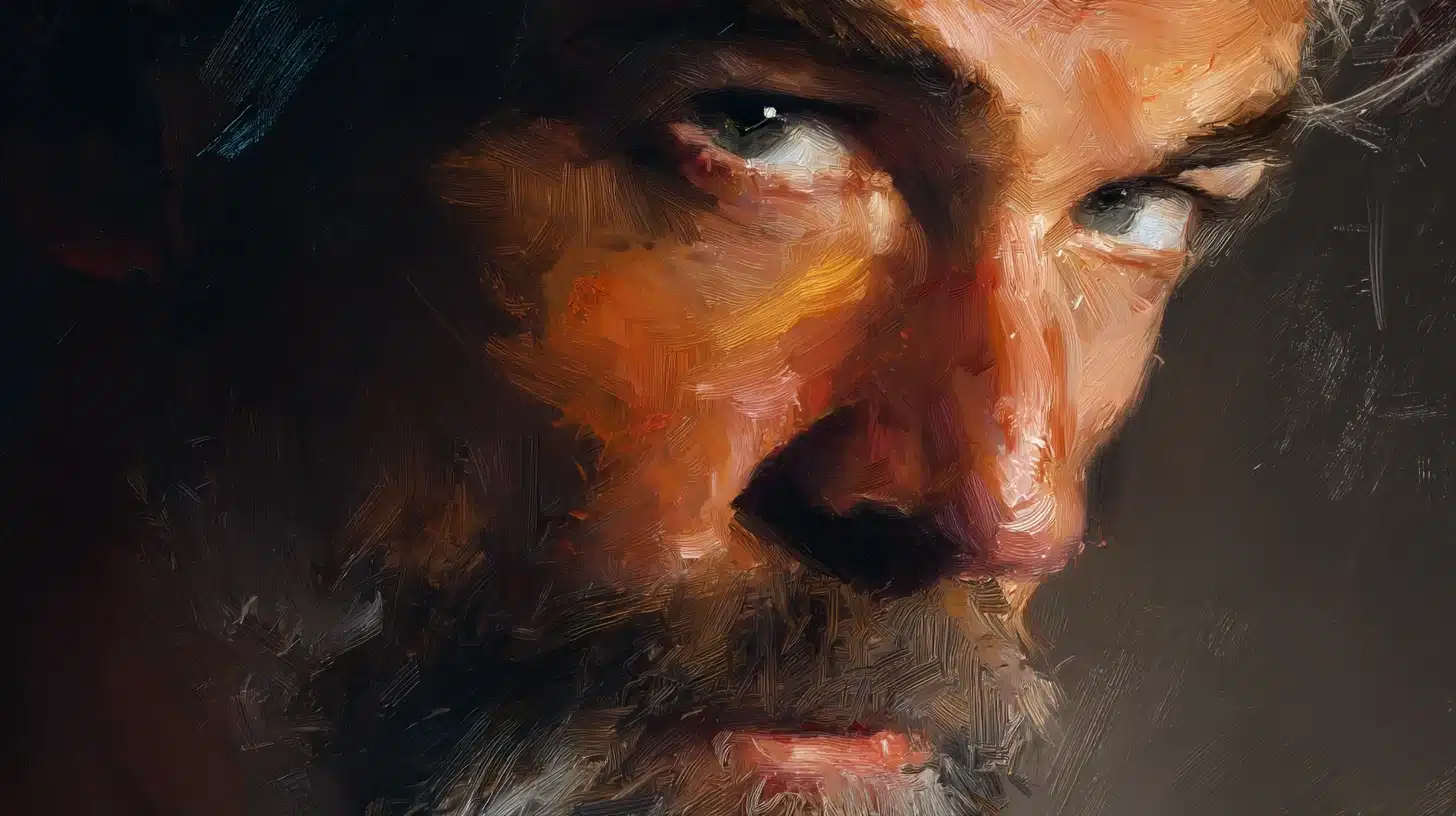
Digital painting mimics traditional media using tablets and textured brushes. Visible strokes, layered colors, and deep rendering create a handmade feel, perfect for portraits, concept art, and illustrated storytelling today.
Popular Artists:
- Craig Mullins: Pioneer of modern concept art with cinematic lighting and confident brushwork.
- Loish: Known for vibrant color palettes, expressive characters, and smooth painterly rendering.
- Aaron Blaise: Disney veteran recognized for animal anatomy, gesture-driven painting, and warm storytelling.
2. Semi-Realism
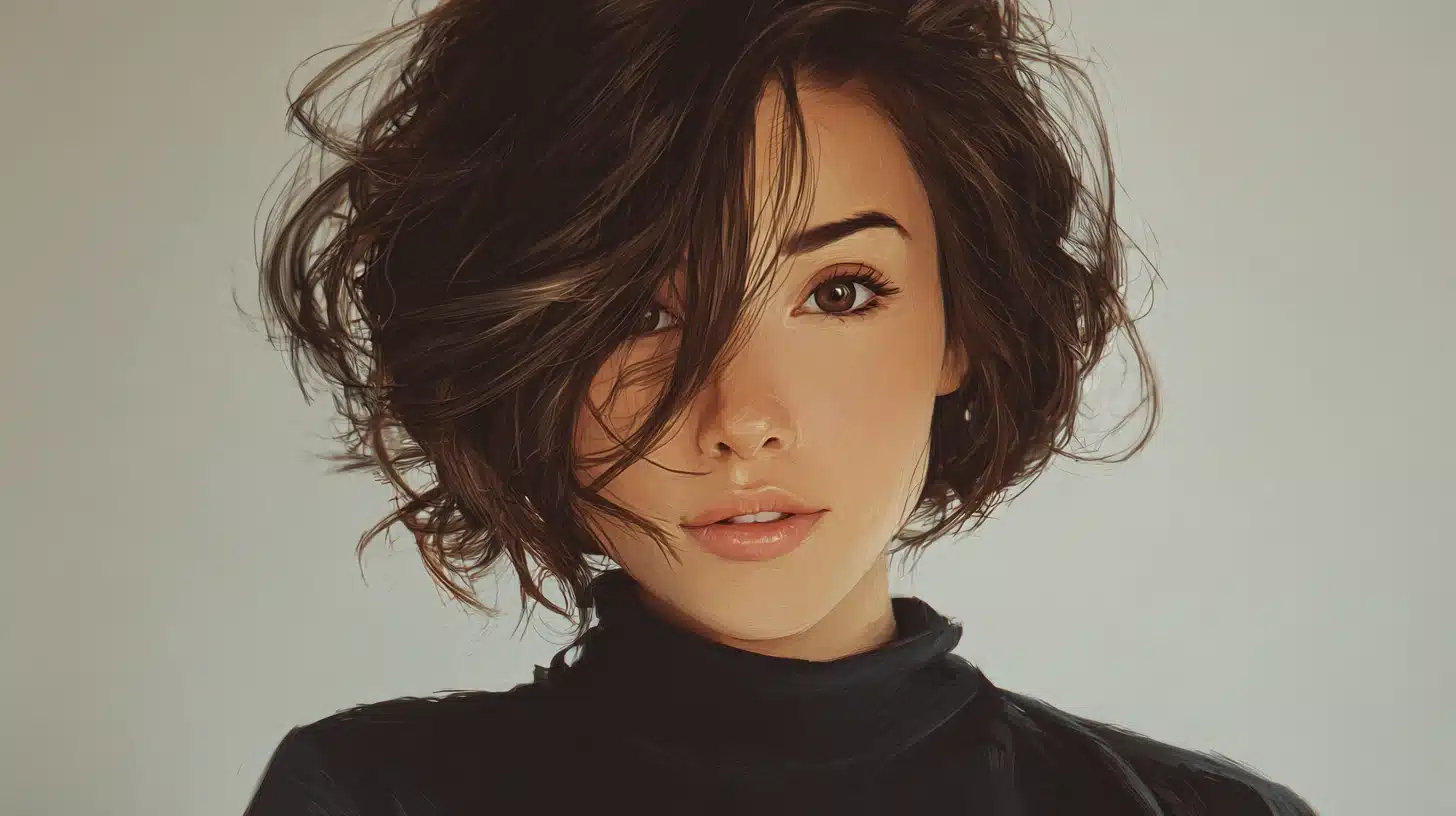
Semi-realism blends realistic lighting and anatomy with slightly simplified features. Artists use it widely for character art, webtoons, and game illustrations where polish matters but strict realism is not required.
Popular Artists:
- Sakimichan: Known for polished character portraits combining realistic lighting with stylized proportions.
- rossdraws: Recognized for soft color work, expressive faces, and a refined semi-realistic finish.
- Yuumei (Wenqing Yan): Creates emotionally driven character art with detailed rendering and narrative depth.
3. Photorealism
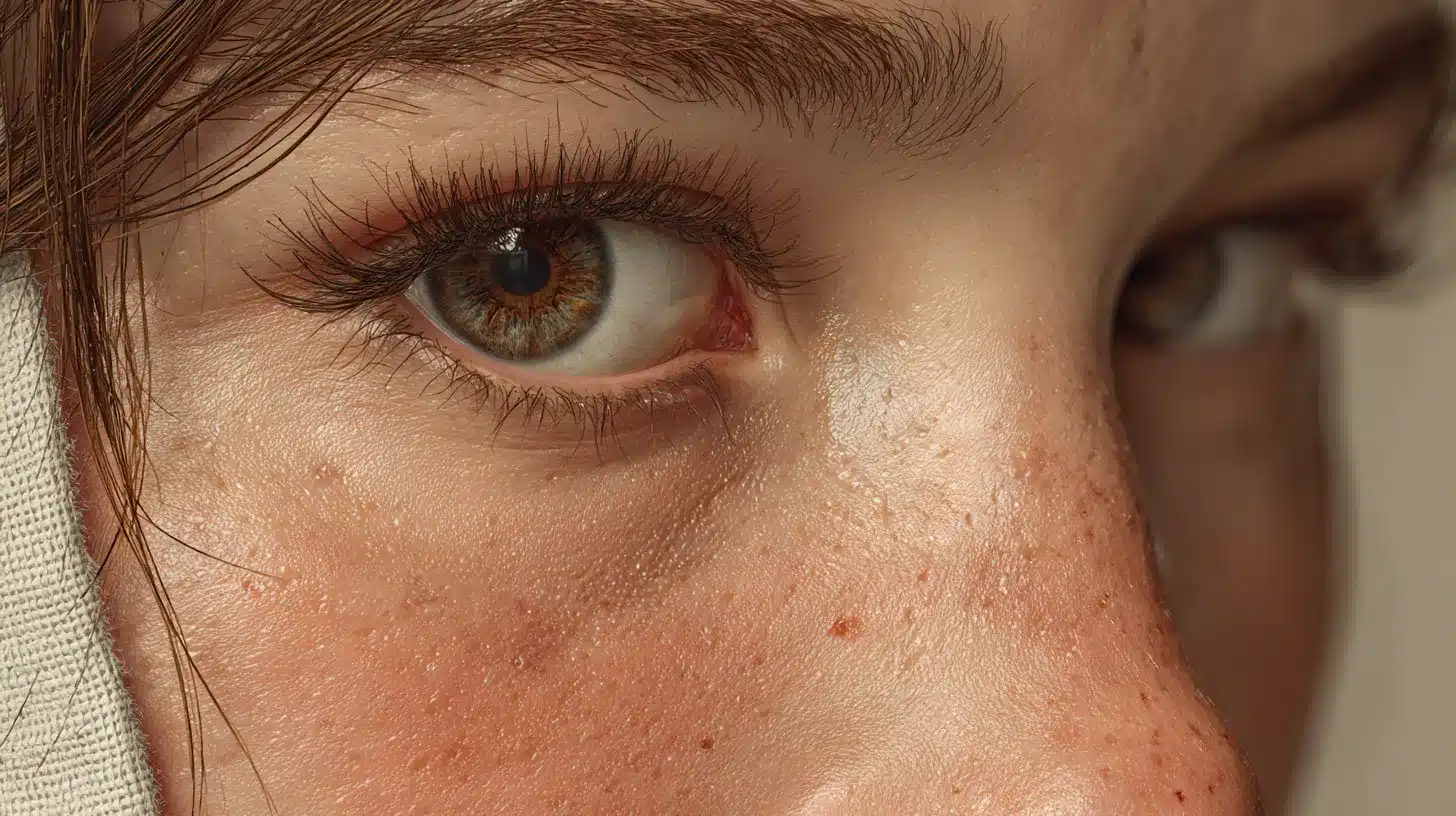
Photorealism produces high-detail work that closely mimics the look of photography. Artists use it for figure studies, product mockups, and hyper-detailed portraits where technical accuracy and fine surface detail take priority.
Popular Artists:
- Diego Koi: Known for hyperrealistic pencil and digital portraits with incredible skin and texture detail.
- CookedPenny: Creates digitally painted still lifes and objects that are nearly indistinguishable from photographs.
- Diego Fazio (DiegoKoi): Known for jaw-dropping hyperrealistic digital and pencil portraits, particularly his detailed work on skin texture and facial features.
4. Concept Art
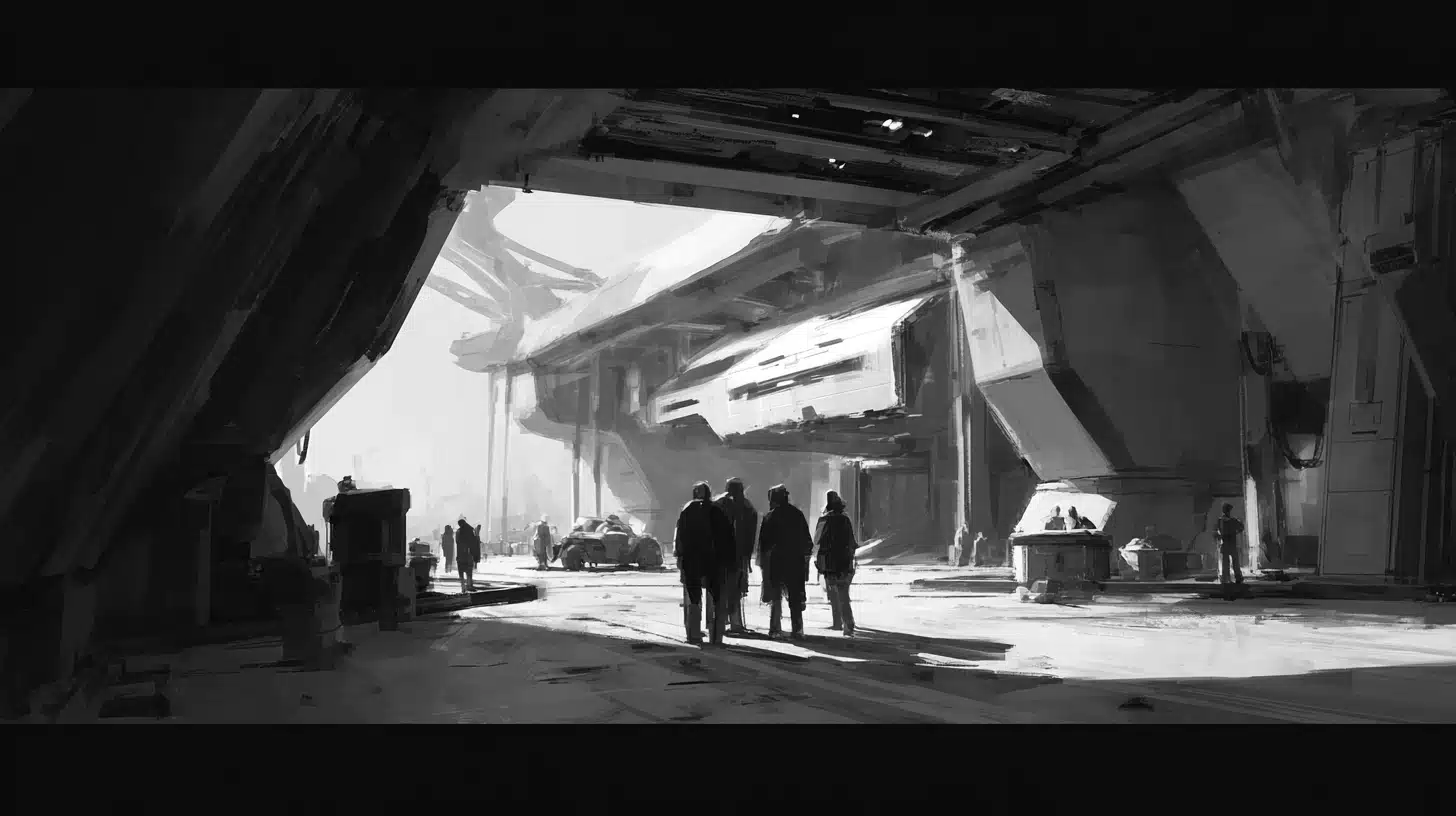
Concept art is design-driven work created for games and film. It covers characters, props, and environments with a focus on communicating ideas clearly and quickly to production teams during development.
Popular Artists:
- Feng Zhu: Industry veteran and educator known for detailed environment and vehicle concept designs.
- Iain McCaig: Created iconic character concepts for major film franchises with a strong narrative focus.
- Sparth (Nicolas Bouvier): Recognized for architectural environments and bold geometric shapes in game concept work.
5. Matte Painting
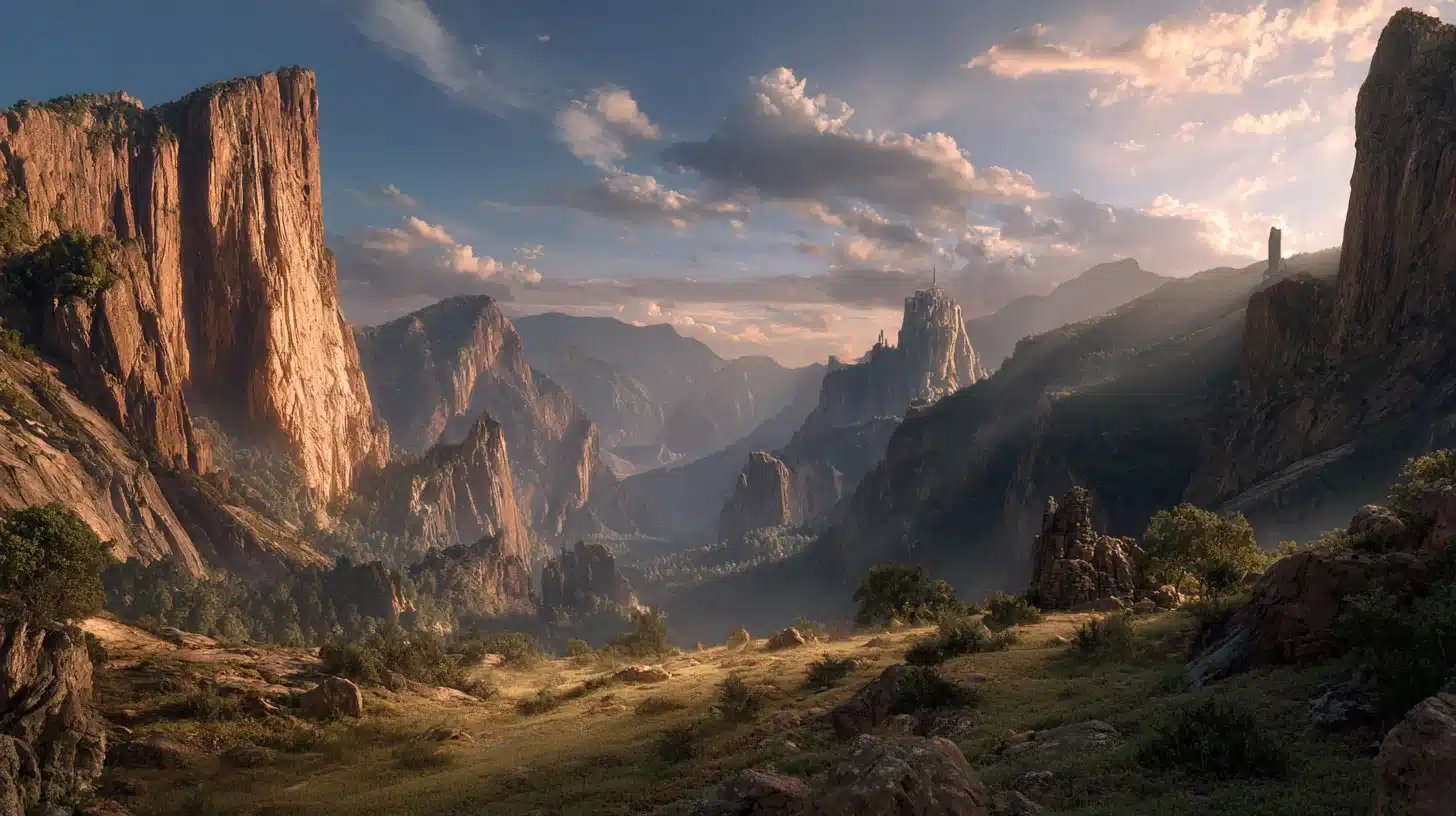
Matte painting builds cinematic environments by combining painted elements with photo references. It creates large-scale, believable worlds for use in film, game cinematics, and visual effects production.
Popular Artists:
- Dylan Cole: Award-winning matte painter with credits on major Hollywood blockbusters and fantasy epics.
- Dusso (Jan Ditlev): Known for atmospheric, large-scale environment paintings with dramatic lighting and mood.
- Raphael Lacoste: Art director and matte painter recognized for detailed historical and fantasy world-building visuals.
6. Vector Art
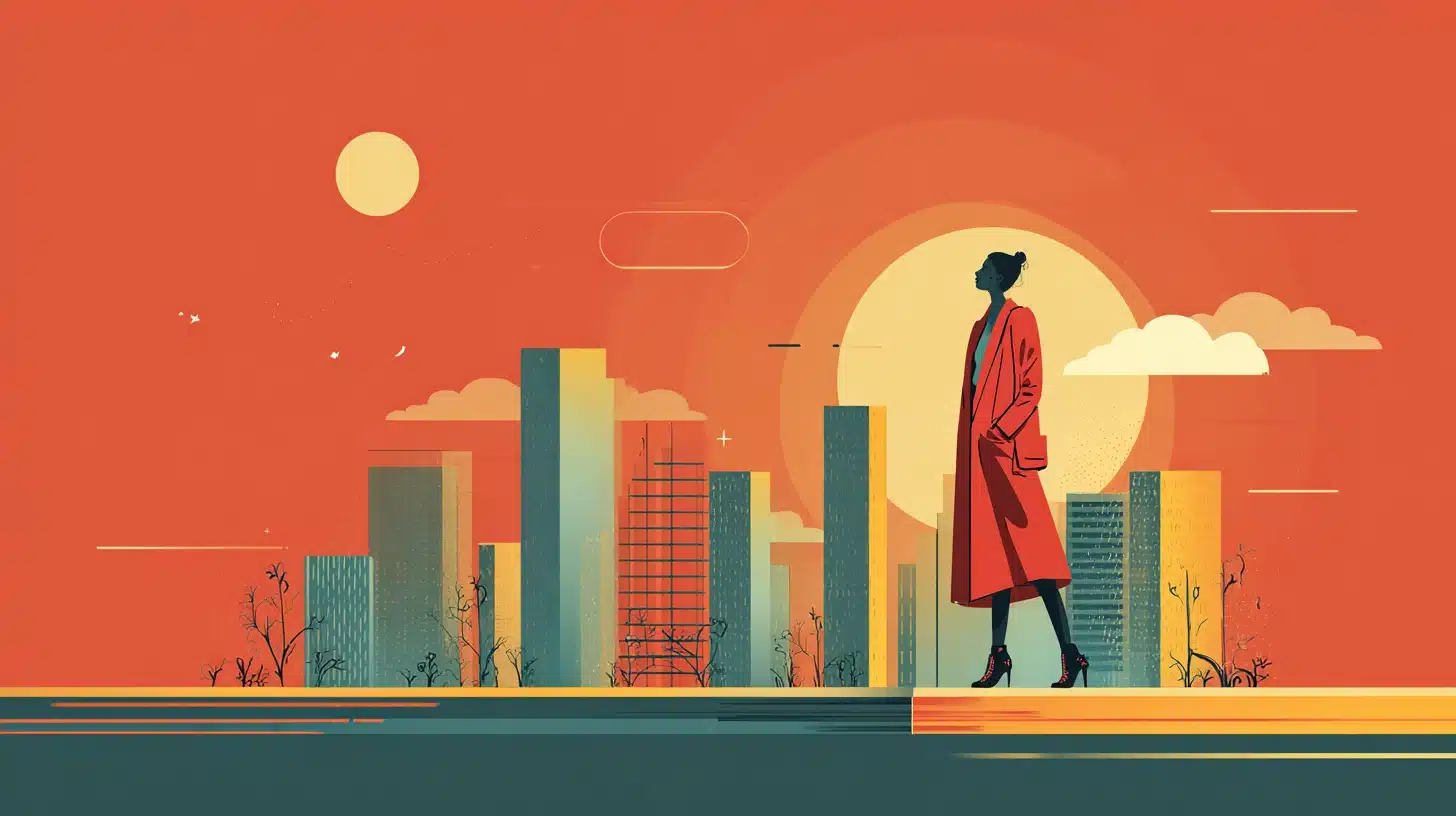
Vector art uses crisp shapes, flat color, and scalable edges that never lose quality at any size. It is the go-to style for logos, icons, posters, and branding work across print and digital platforms.
Popular Artists:
- Von Glitschka: Known for intricate vector illustrations combining ornamental detail with clean graphic execution.
- Christoph Niemann: Creates bold, witty vector-based editorial illustrations for major international publications.
- Michael Kellner: Recognized for highly detailed vector portraits built entirely from geometric shapes and flat color.
7. Flat Illustration

Flat illustration uses minimal shading, bold shapes, and clean color blocks. It communicates information quickly and clearly, making it a popular choice for web design, app interfaces, and explainer visuals.
Popular Artists:
- Malika Favre: Known for bold negative space work and striking flat compositions used in editorial and branding.
- Owen Davey: Creates detailed flat illustrations with rich pattern work for books, editorial, and animation.
- Bread and Butter Studio: Recognized for playful, character-driven flat illustration used across digital and print campaigns.
8. Line Art
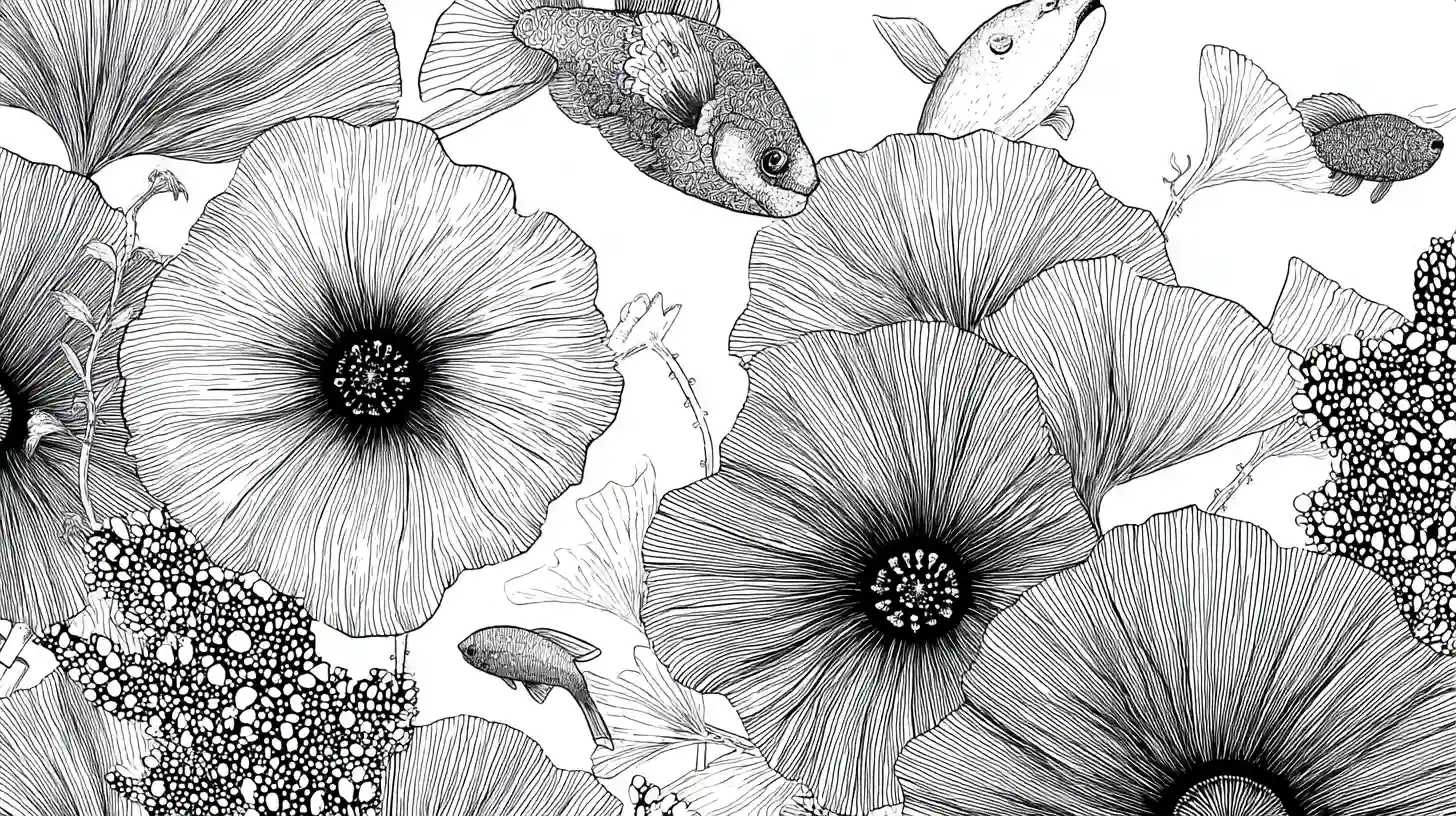
Line art relies on strong outlines with limited or no color fill. The style works well for tattoo designs, art prints, stickers, and character work where clean, readable shapes carry the full visual weight.
Popular Artists:
- Kerby Rosanes: Known for intricate doodle-based line art filled with organic patterns and detailed animal illustrations.
- Jean Giraud (Moebius): Legendary comic artist whose precise, flowing line work set a lasting standard for detail and clarity.
- Foreal (Mutual Art): Creates bold graphic line illustrations used in editorial, branding, and large-scale poster work.
9. Minimalist Digital Art
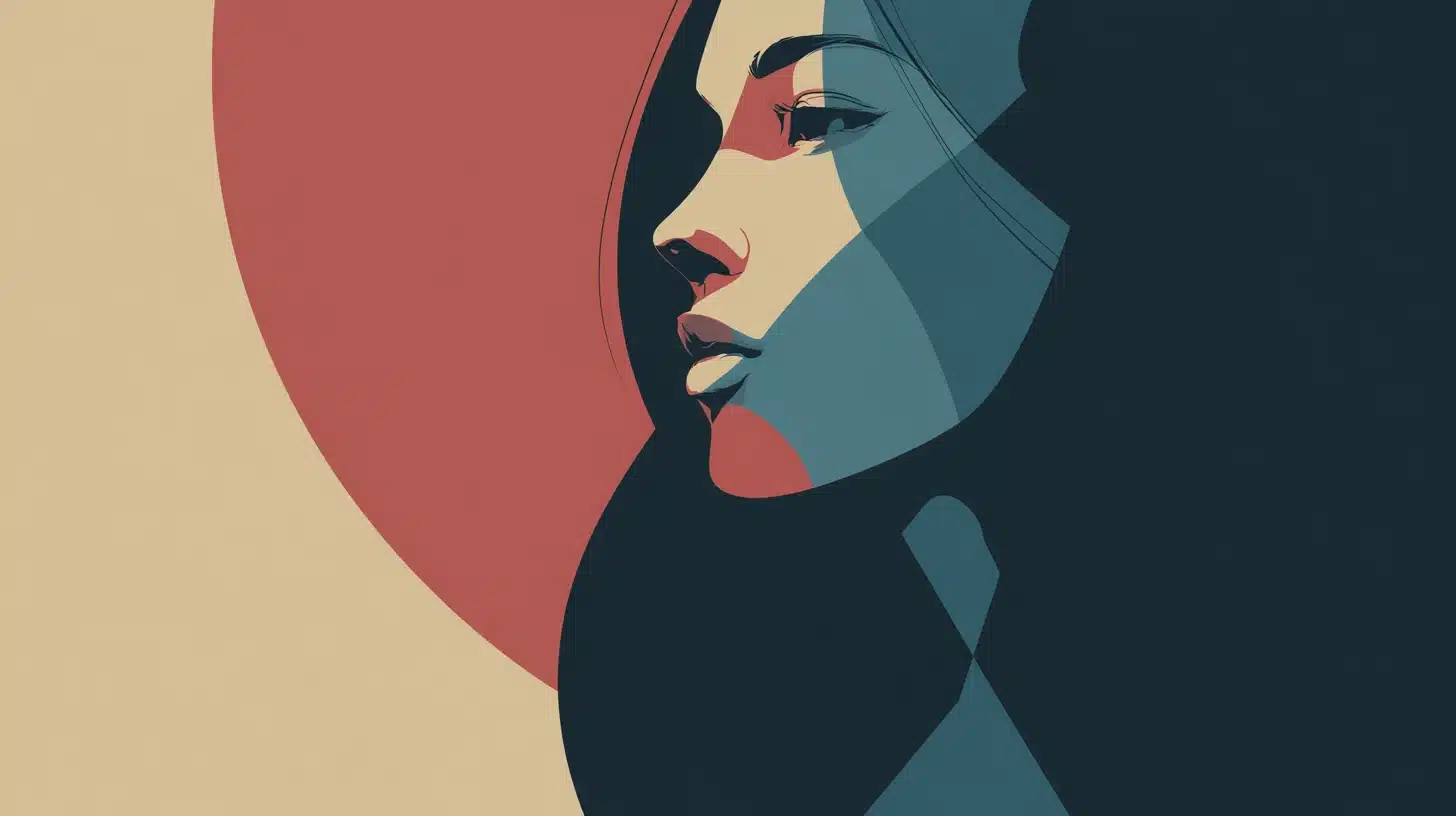
Minimalist digital art uses fewer shapes, limited colors, and intentional negative space. The focus remains on composition and balance, allowing each visual element to carry more weight without clutter or decoration.
Popular Artists:
- Noma Bar: Master of negative space illustration that hides dual meanings within simple, reduced forms.
- LESS AND MORE Studio: Produces clean, stripped-back digital compositions focused purely on form and spatial balance.
- Jeremyville: Known for simple character-driven work where limited shapes and color create a strong visual identity.
10. Geometric Art
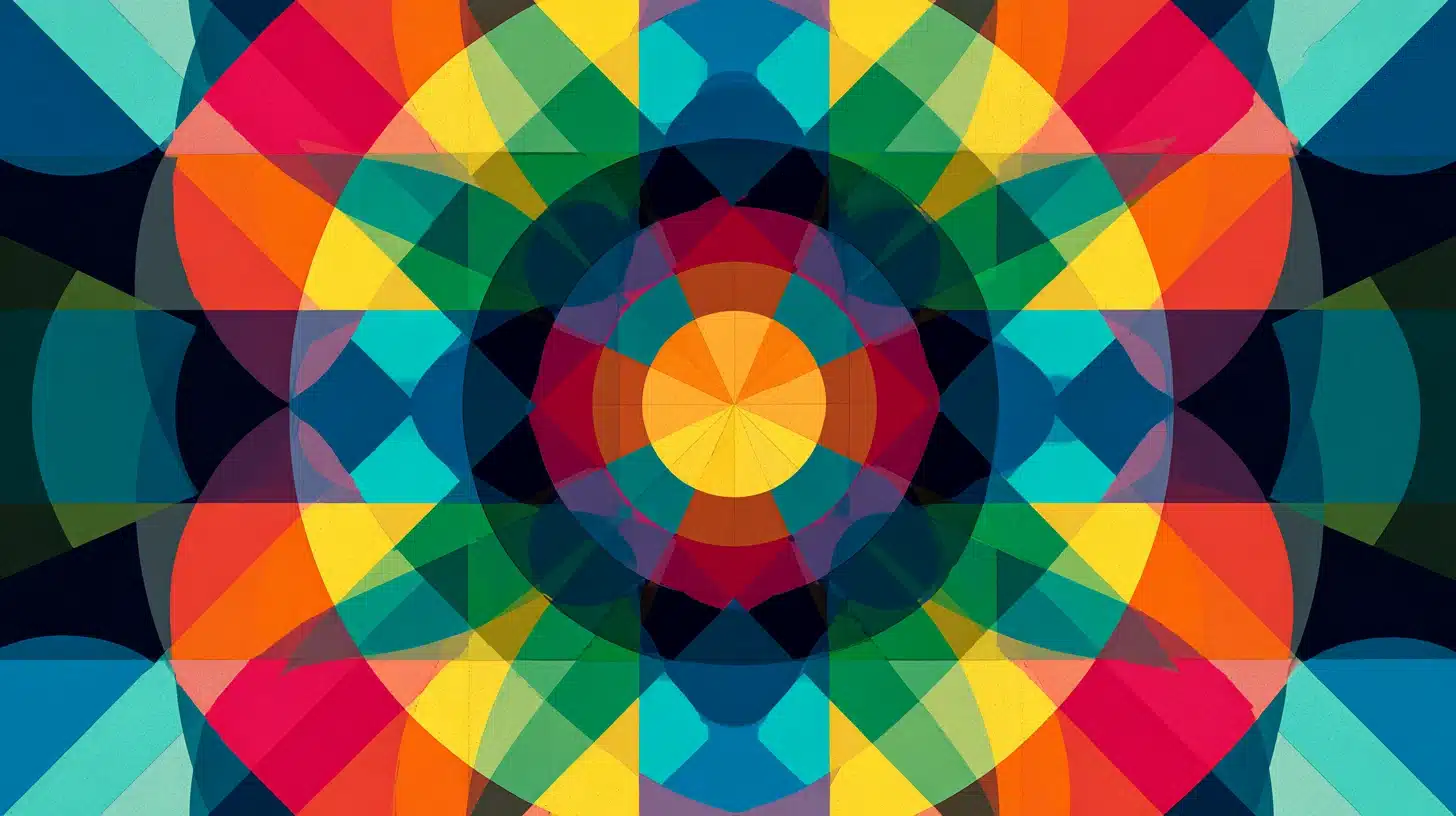
Geometric art builds visuals from patterns, shapes, and structured repetition. Artists use it for posters, album artwork, motion graphics, and background designs where bold visual structure creates a strong graphic impact.
Popular Artists:
- Cristian Zuzunaga: Known for pixelated geometric textile and graphic work with rich, structured color arrangements.
- Hydro74 (Joshua Smith): Creates complex geometric compositions blending sacred geometry with bold typographic elements.
- Andy Gilmore: Produces intricate, symmetrical geometric patterns with kaleidoscopic color used in editorial and album art.
11. Anime And Manga Style
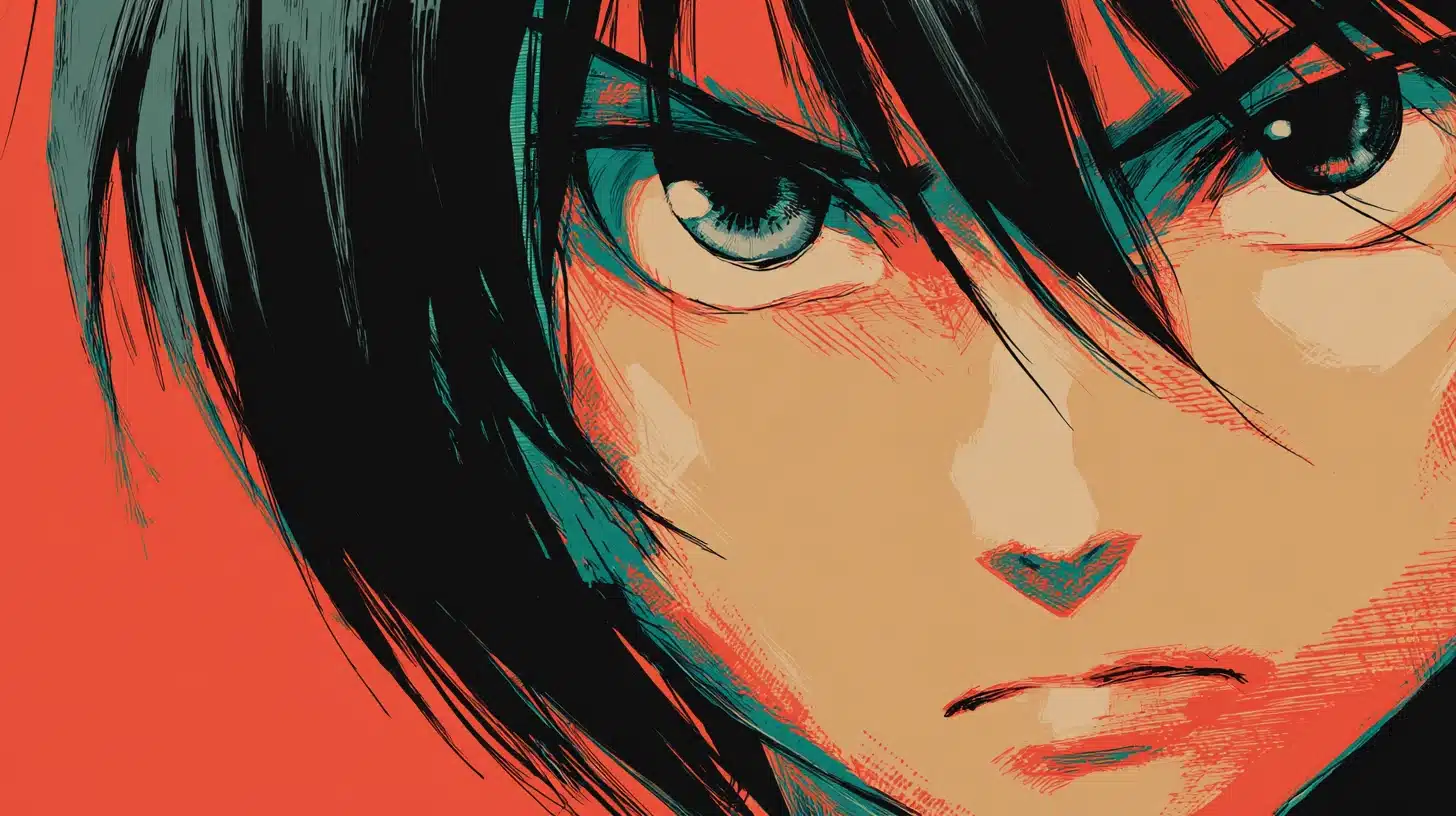
Anime and manga style features expressive faces, stylized anatomy, and cel shading. It dominates fan art communities, webcomics, and indie games, drawing heavily from Japanese animation and print comic traditions.
Popular Artists:
- Yusuke Murata: Known for high-energy manga linework with exceptional anatomical detail and dynamic action compositions.
- Lumineko: Creates vibrant anime-style fan art with expressive characters and polished cel-shaded coloring.
- Artgerm (Stanley Lau): Recognized for refined anime-influenced character portraits combining realistic detail with stylized appeal.
12. Cartoon Style
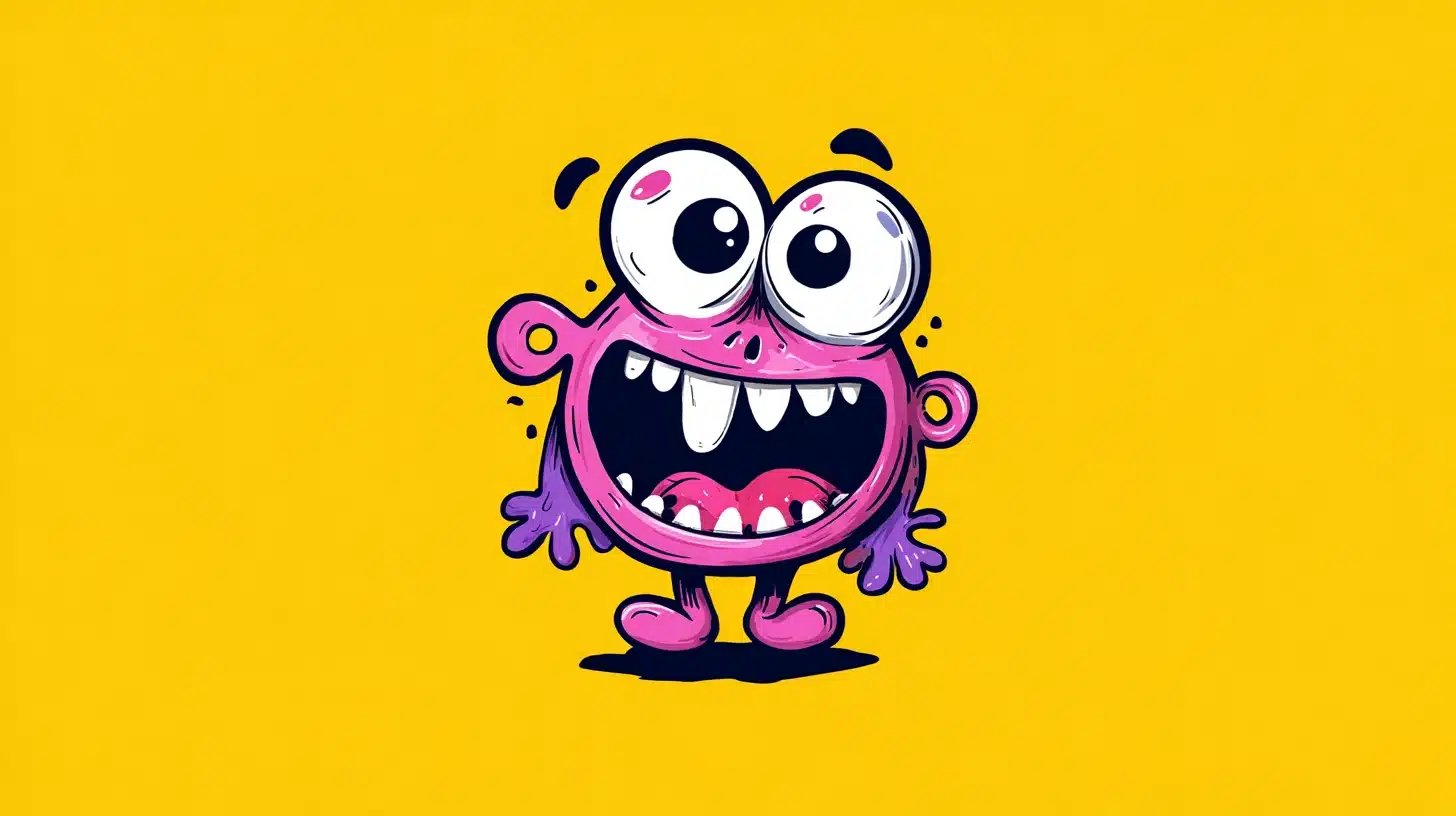
Cartoon style uses exaggerated features, bold outlines, and playful proportions. It works well for brand mascots, children’s content, animated series, and any project that needs a lighthearted, approachable visual tone.
Popular Artists:
- Pendleton Ward: Creator of Adventure Time, known for loose, expressive cartoon character design with imaginative world-building.
- Jorge Gutierrez: Recognized for bold, pattern-rich cartoon illustrations inspired by Mexican folk art and vibrant color.
- Stephen Silver: Industry character designer known for expressive, personality-driven cartoon figures used in major animated productions.
13. Chibi Style
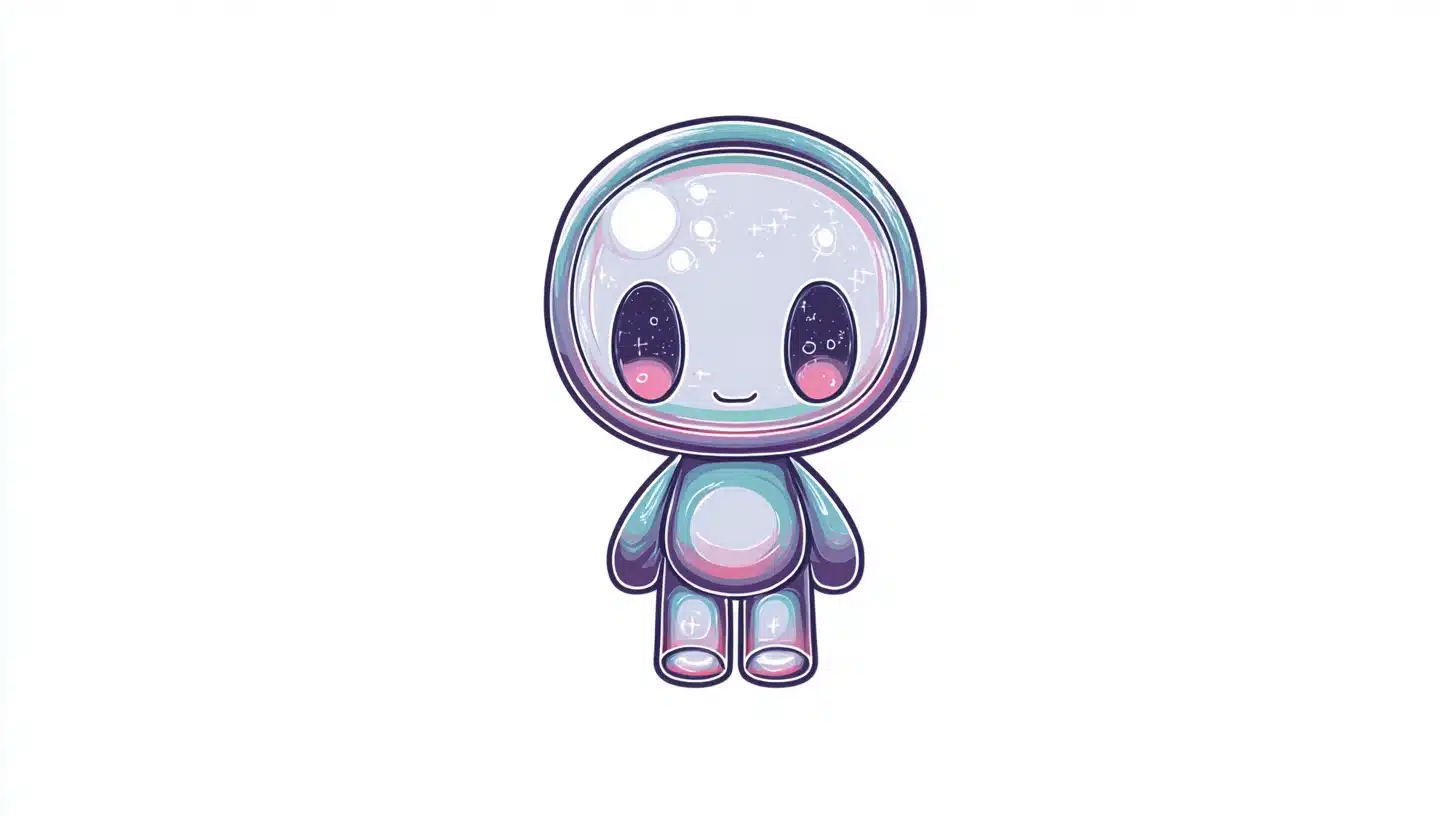
Chibi style uses small, rounded proportions and oversized heads to create an instantly cute character look. Artists use it widely for stickers, Twitch emotes, merchandise, and social media character designs.
Popular Artists:
- Itadori Art: Known for clean, expressive chibi character designs popular across gaming and streaming communities.
- Mochipanyo: Creates soft, pastel-toned chibi illustrations with strong appeal in sticker and emote markets.
- Freakside (Simona Candini): Recognized for polished chibi-inspired character work blending cute proportions with detailed costume design.
14. Comic Book Style
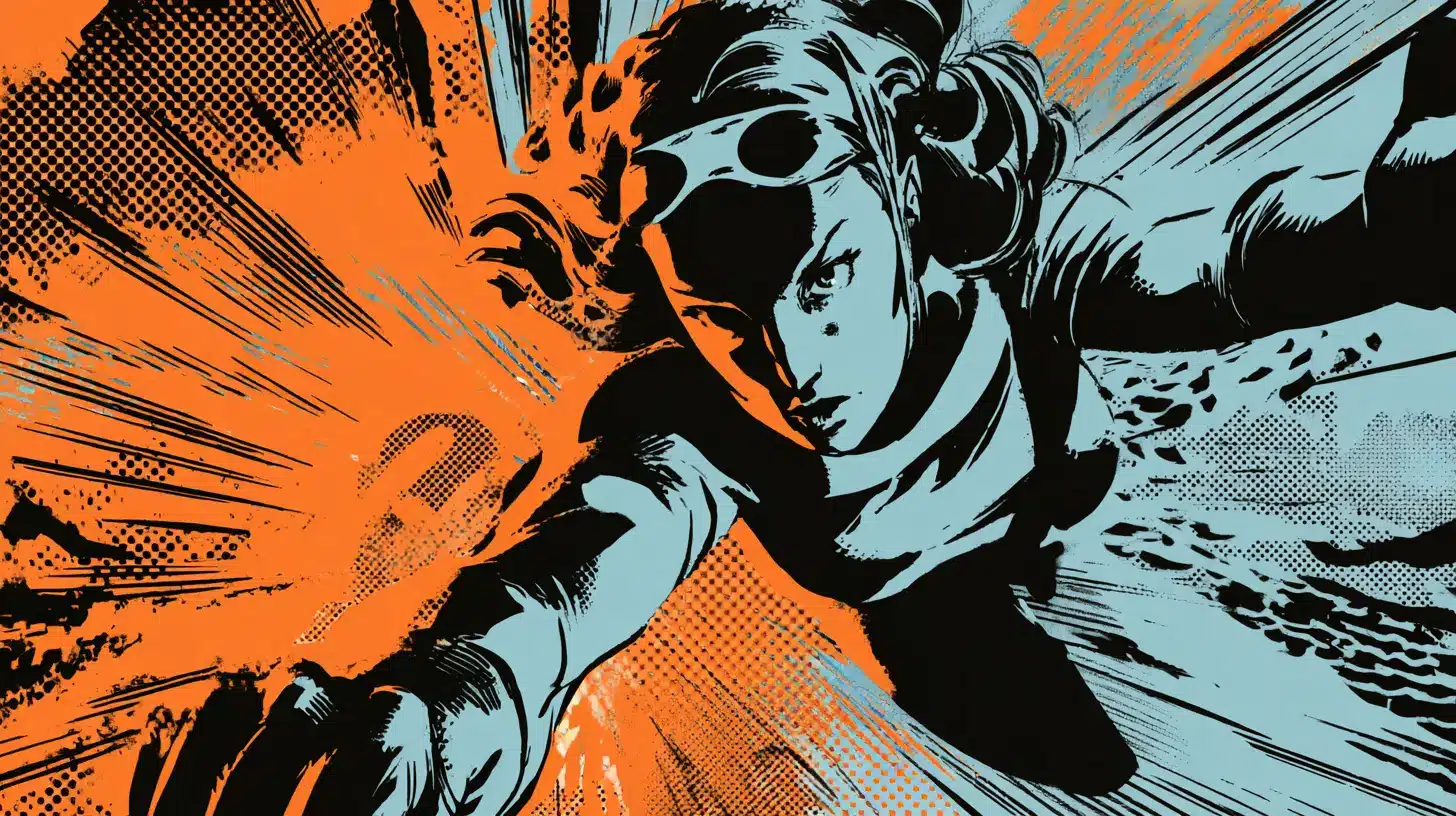
Comic book style relies on strong inks, dynamic panel composition, bold shading, and halftone textures. It is built for visual storytelling, delivering impact and readability across both print and digital formats.
Popular Artists:
- Jim Lee: Iconic Marvel and DC artist known for detailed linework, muscular anatomy, and high-energy action scenes.
- Skottie Young: Recognized for expressive, slightly cartoonish comic work with strong inking and character personality.
- Sara Pichelli: Known for clean, character-focused comic art with strong emotional expression and precise ink control.
15. Cel Shading
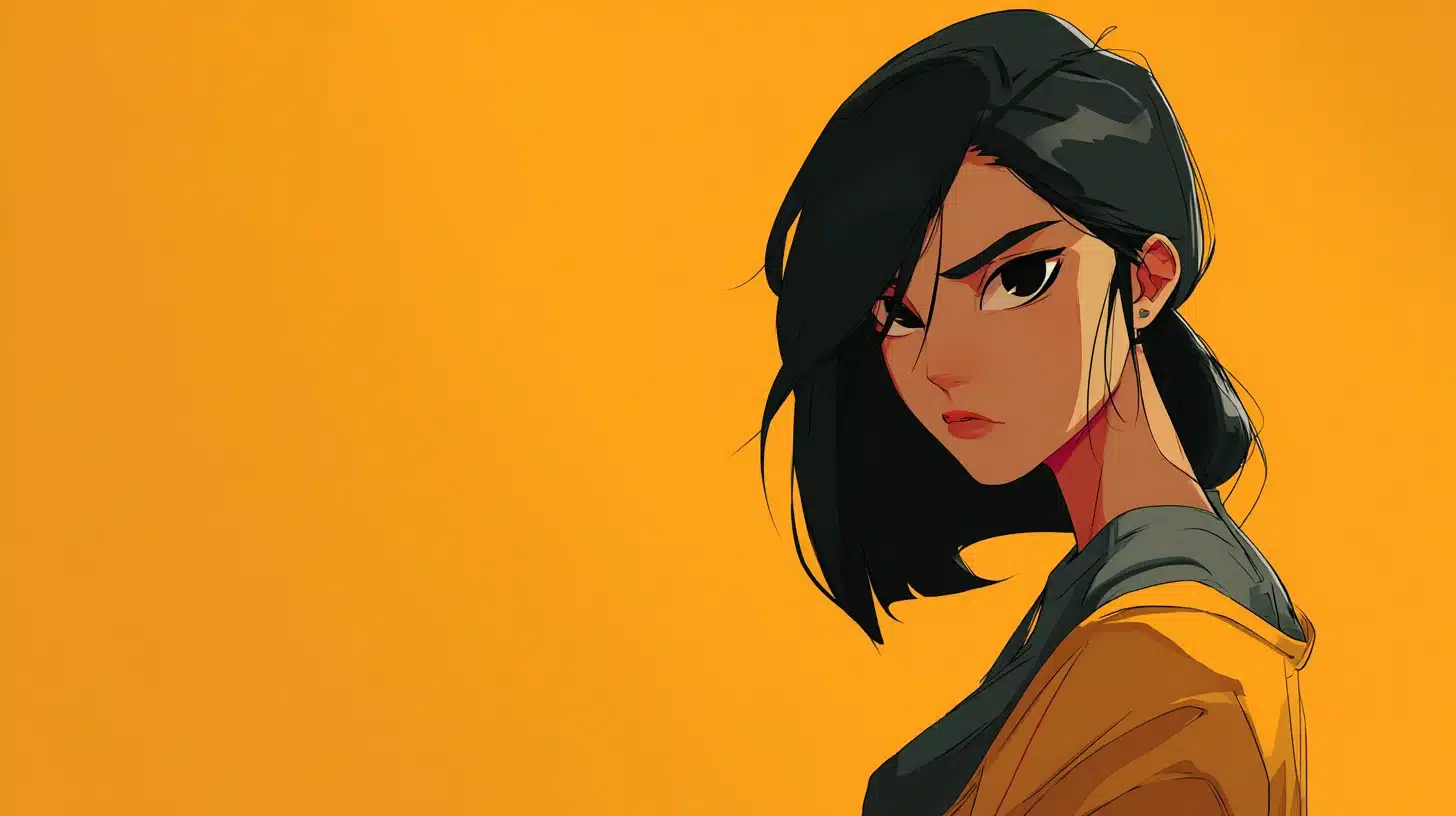
Cel shading uses sharp shadow shapes, flat color fills, and clean highlight lines to mimic a hand-drawn animation look. It appears frequently in stylized video games, animated shorts, and character illustration work.
Popular Artists:
- Ilya Kuvshinov: Known for clean cel-shaded character portraits with soft color transitions and strong graphic appeal.
- Guilty Gear Art Team (Arc System Works): Recognized for pushing cel shading in games to near-animation quality results.
- Genzoman (Gonzalo Ordóñez): Creates vibrant, cel-shaded character illustrations with bold color contrast and high visual energy.
16. Pixel Art
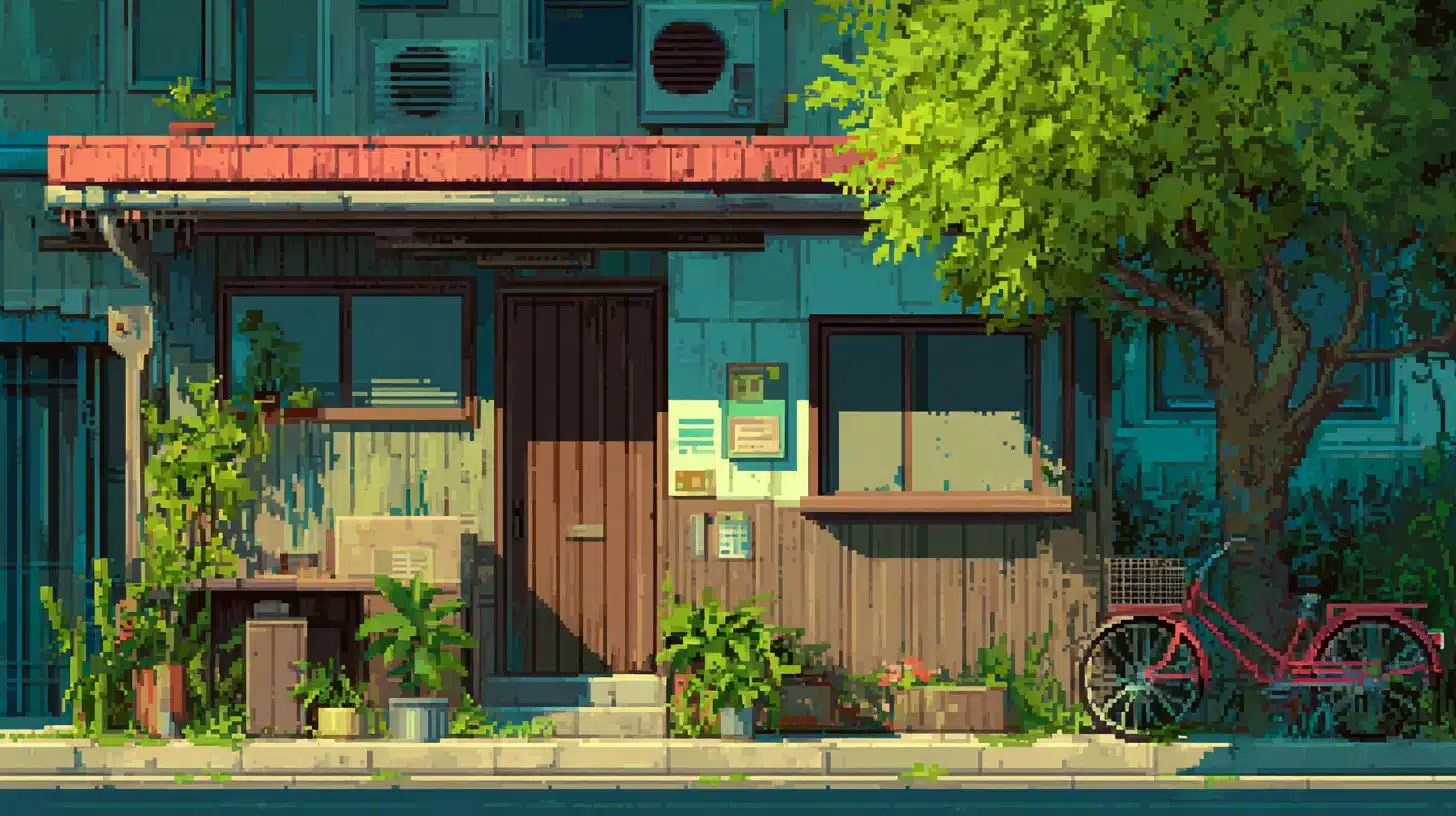
Pixel art uses small, blocky color grids to create a retro, lo-fi visual look. It remains hugely popular in indie game development, app icons, animated sprites, and nostalgic design projects worldwide.
Popular Artists:
- Paul Robertson: Known for complex, highly detailed pixel animations with rich color and fluid character movement.
- eBoy: Recognized for large-scale isometric pixel cityscapes packed with intricate detail and vibrant color work.
- Octavi Navarro: creates atmospheric pixel art scenes with cinematic lighting and strong narrative qualities.
17. 3D Digital Art
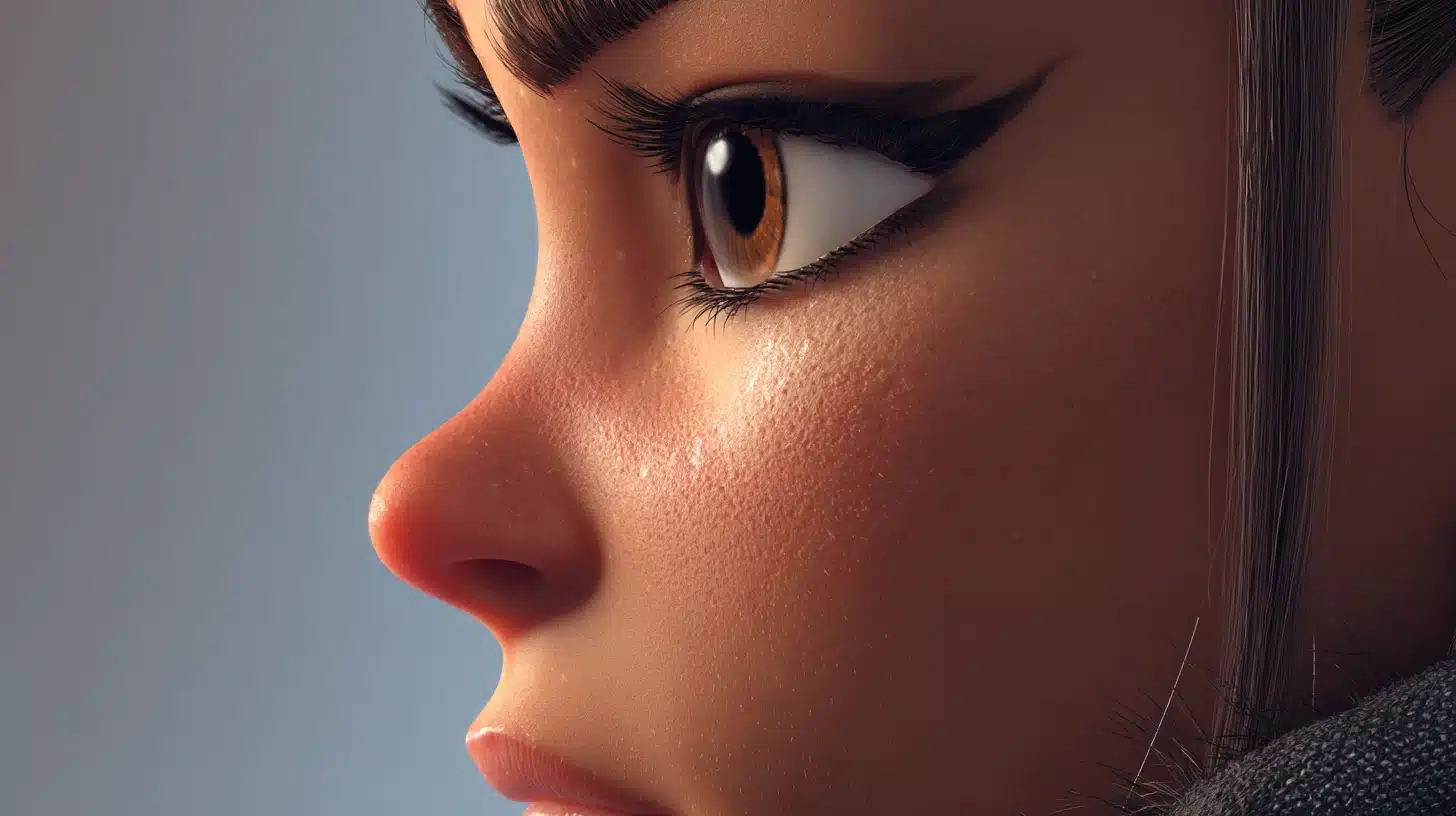
3D digital art uses modeled geometry and rendering Software to produce lifelike or stylized visuals. Artists use it for product visualization, character design, architectural renders, game assets, and cinematic environment work.
Popular Artists:
- Beeple (Mike Winkelmann): Known for daily 3D renders blending surreal concepts with photorealistic lighting and technical complexity.
- Encho Enchev: Creates detailed 3D character models with strong anatomical accuracy and cinematic presentation quality.
- Julien Kaspar: Recognized for highly polished 3D character sculpts used in professional game and film production pipelines.
18. Low Poly Art
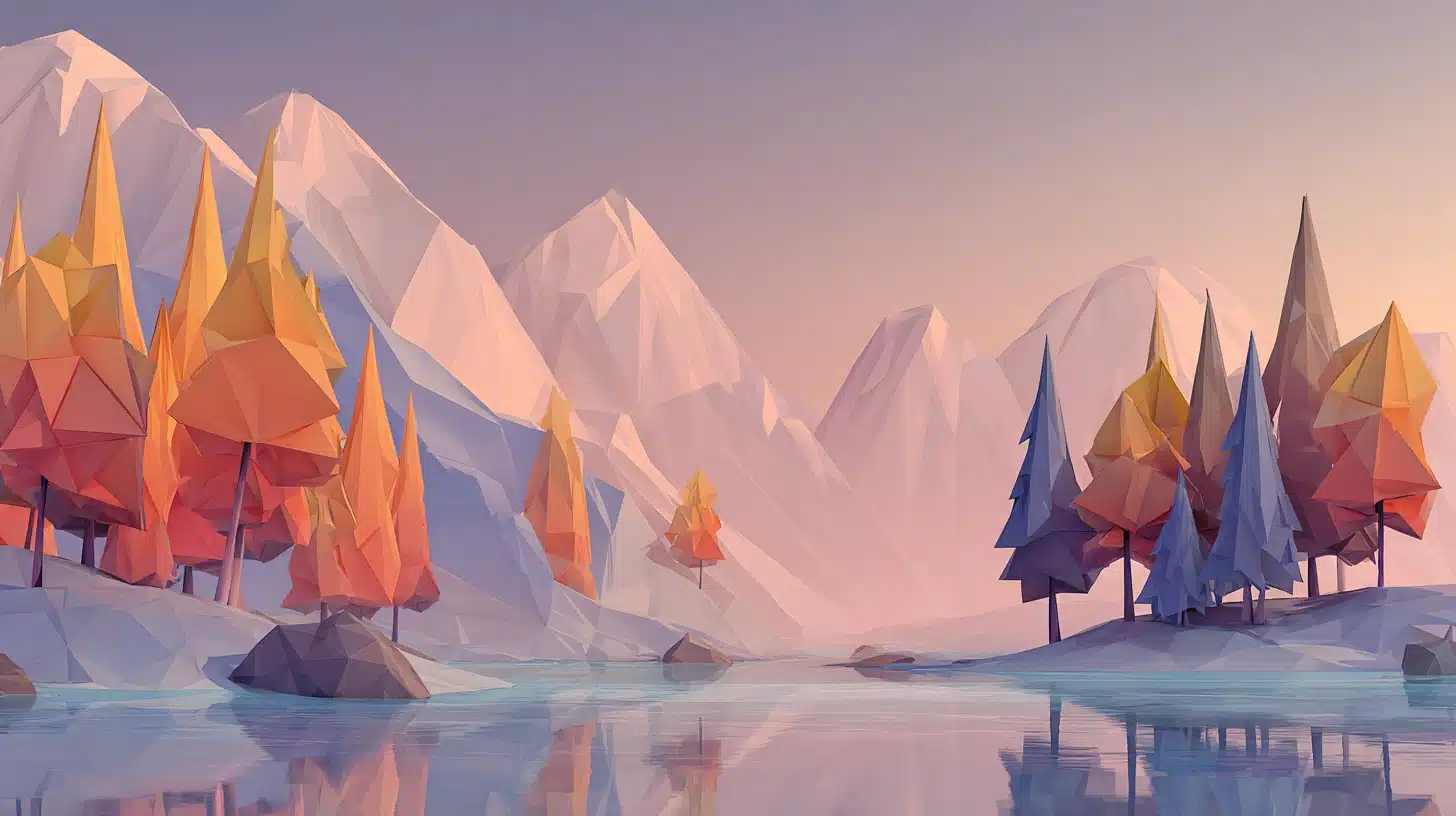
Low-poly art uses a minimal number of polygons to create a faceted, geometric 3D look. The style is clean and modern, and artists use it for game assets, motion graphics, poster design, and decorative illustration.
Low poly is a visual style today; it originated as a technical necessity due to the hardware limitations of early consoles.
Popular Artists:
- Timothy J. Reynolds: Known for charming, character-driven low-poly illustrations with warm color palettes and playful compositions.
- Polygon Runway (Roman Klčo): Creates detailed low-poly environments and tutorials that have shaped the modern low-poly art community.
- Nat Iwata: Recognized for soft, atmospheric low-poly landscapes combining subtle color gradients with clean geometric structure.
19. Glitch Art
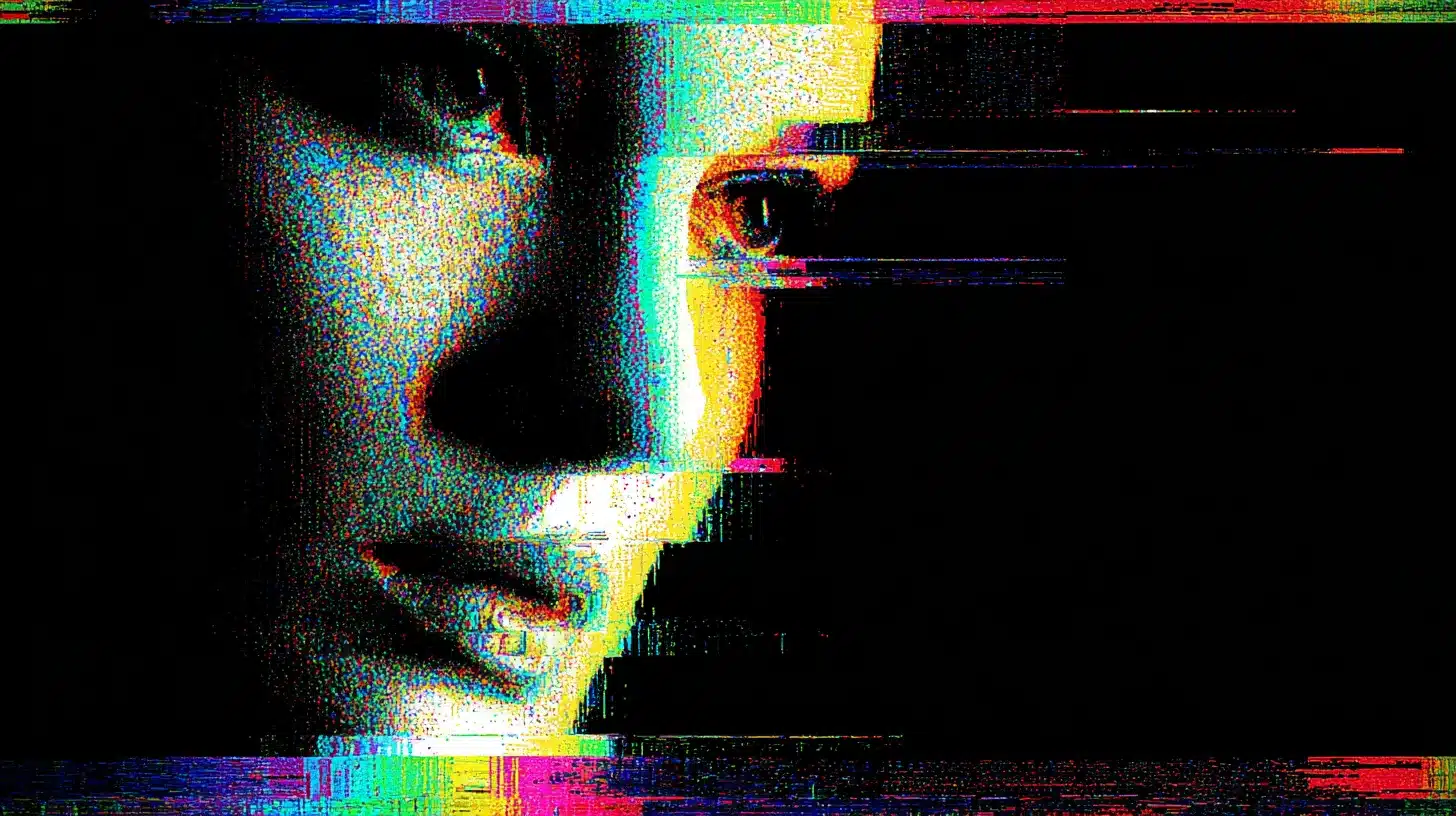
Glitch art uses intentional digital distortion, corrupted data visuals, and signal errors as creative tools. It appears frequently in music visuals, edgy poster design, album artwork, and experimental digital media projects.
Popular Artists:
- Rosa Menkman: Pioneering glitch theorist and artist known for deeply researched, visually complex glitch-based works.
- Sabato Visconti: Creates striking glitch photography and video work that turns digital errors into structured visual art.
- Takeshi Murata: Known for glitched video art that manipulates existing footage into abstract, visually intense compositions.
20. Collage And Mixed Media Digital
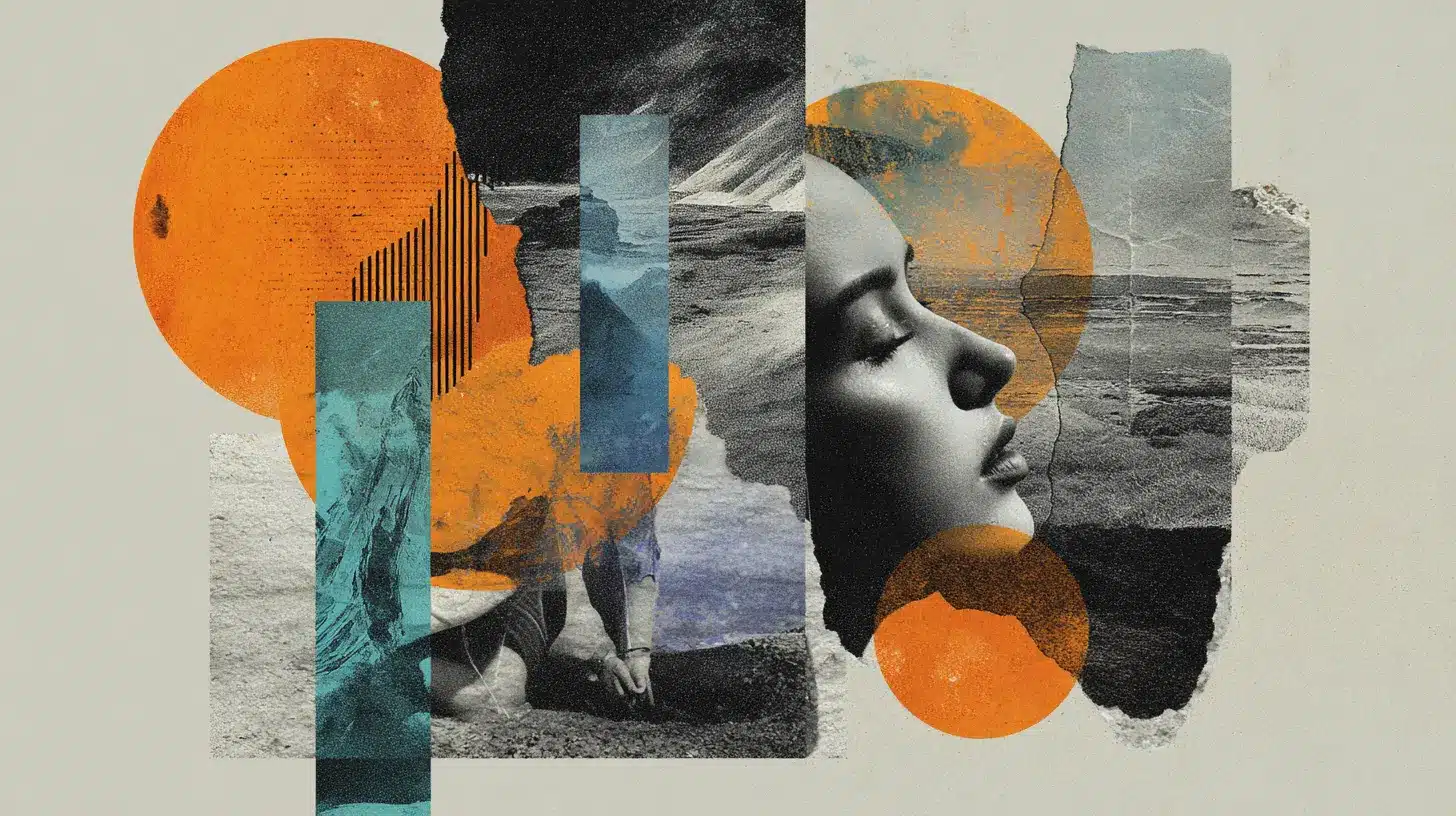
Digital collage combines photography, hand-drawn elements, scanned textures, and painted layers into one composition. The style works strongly for editorial posters, social media visuals, album covers, and experimental personal projects.
Popular Artists:
- Eugenia Loli: Known for retro-toned surreal collages combining vintage photography with bold, unexpected visual juxtapositions.
- Jesse Draxler: Creates dark, fragmented digital collage work used in editorial, music, and high-profile branding contexts.
- Linder Sterling: Recognized for provocative photomontage work blending fashion imagery with domestic and industrial visual elements.
21. Surreal Digital Art
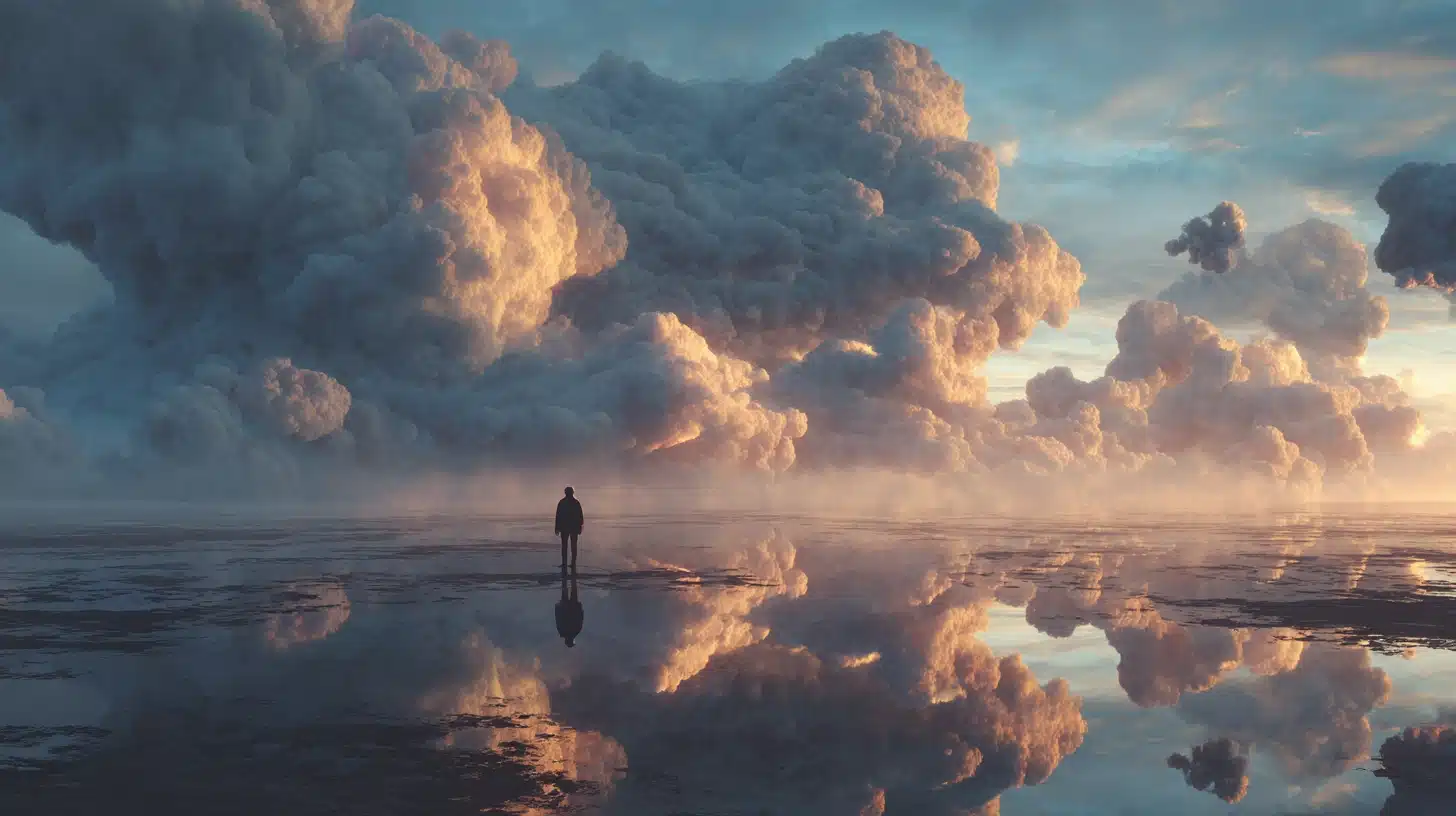
Surreal digital art combines dreamlike imagery, unusual scale, and strange lighting to produce visuals that defy logic. Artists use it for personal concept work, editorial illustration, album art, and experimental creative projects.
Popular Artists:
- Android Jones: Known for intricate, visually overwhelming, surreal digital paintings blending cosmic themes with human figures.
- Erik Johansson: Creates highly detailed surreal photo compositions where impossible scenes are built with precise, believable realism.
- Cyril Rolando (AquaSixio): Recognized for gentle, emotionally rich surreal illustrations combining quiet narrative depth with soft color palettes.
Understanding these popular styles helps you recognize what fits your vision and where your own work can stand out.
Beginner-Friendly Styles To Try First
Starting with the right style makes a real difference. Some digital art styles require less technical skill, give faster results, and make daily practice feel manageable rather than frustrating or overwhelming.
- Line Art: Clean outlines and minimal color mean less pressure on shading skills. It trains hand control, builds confidence fast, and produces shareable results even at an early skill level.
- Flat Illustration: No complex lighting or texture required. Bold shapes and solid color blocks keep the focus on composition and color pairing, two foundational skills every artist needs early on.
- Vector Art: Working with shapes instead of freehand strokes reduces early frustration. Tools like Illustrator or Inkscape make corrections simple, keeping the learning process moving steadily forward.
- Minimalist Digital Art: Fewer elements mean faster completion and clearer feedback. Beginners learn to use negative space and balance intentionally, building strong compositional instincts without needing advanced rendering or detail work.
- Digital Collage: No drawing skills needed to start. Combining photos, textures, and simple shapes teaches layering, color harmony, and visual storytelling while keeping the technical barrier extremely low for new artists.
Starter Challenge: Pick one style, commit to seven days, and create one small piece each day. Consistency builds skill faster than any single long session ever will.
Tools And Software That Influence Style
The tools an artist uses shape the final look just as much as skill does. Software, brushes, and hardware all affect edges, texture, line quality, and how color blends across a piece.
| Tool Type | What It Changes | Best For |
|---|---|---|
| Raster apps | Softer blending, textured brush strokes | Digital painting, illustration, concept art |
| Vector tools | Clean, sharp lines that scale perfectly | Logos, icons, type, graphic design |
| 3D software | Realistic lighting, shadows, materials | Products, characters, environments, renders |
| Mobile apps | Quick sketches and color studies anywhere | Practice, rough ideas, social content |
| Hardware | Better line control + more accurate color | Professional drawing, precision work |
Common Beginner Mistakes To Avoid
Beginners often improve faster when they avoid a few common habits. These mistakes waste time, slow progress, or make art look messy. Fix them early to build strong basics.
- Style-hopping too often: You switch styles every day and never build repeat skills. Pick one style for two weeks, then practice the same subject set to see steady improvement.
- Skipping fundamentals: You ignore values, perspective, and anatomy, so drawings feel off. Practice simple forms, light and shadow, and basic proportions before you add details and effects.
- Overusing effects and filters: You add glow, blur, and noise to hide weak work. Build clean shapes and lighting first, then add small effects only when they support the subject.
- Using too many brushes: You constantly change brushes, so textures clash. Choose 3–5 brushes you understand well, then learn how pressure, opacity, and edges change results.
- Ignoring reference images: You draw from memory, repeating the same errors. Use real photos or art references, study one feature at a time, and compare your work to the reference.
- Messy layer and file habits: You name nothing and merge layers too soon. Label layers, group parts, save versions, and keep separate files for sketches, line art, and final color.
The Bottom Line
Digital art styles are not rules. They are options. The right style depends entirely on what a project needs, what feels natural to practice, and where an artist wants to improve over time.
There are digital art styles covered here, but no one needs to learn them all at once. Start with two beginner-friendly options, such as line art or flat illustration.
Build confidence there first, then gradually work through the full list. The artists who grow fastest are the ones who practice consistently in short sessions rather than waiting for long stretches of free time.
Save this list in an easy-to-find location. Pick one style this week and create something small with it every day. Which style are you planning to try first? Drop it in the comments below.